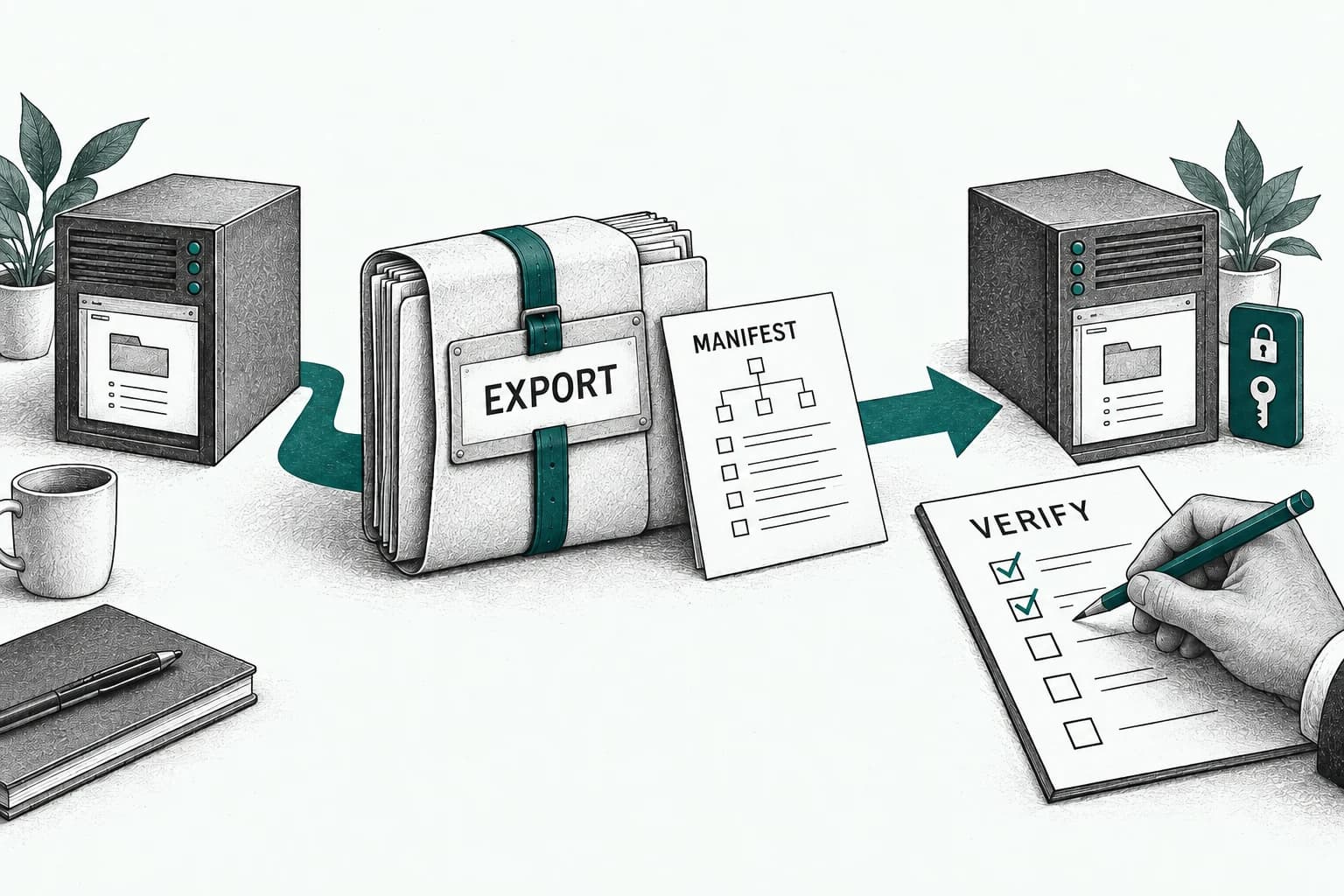
Passkeys replace reusable passwords with cryptographic credentials tied to the legitimate service and unlocked through a user’s device. This makes them resistant to common credential phishing and removes password reuse. An SME should migrate in phases: inventory important accounts, confirm provider and device support, prioritize administrators and high-risk systems, test enrollment and sign-in across real devices, design identity-proofed recovery, keep a secure temporary fallback, train users, monitor failures, and only then enforce passkeys where coverage is reliable. Passkeys improve authentication; they do not replace authorization, device security, or access reviews.
How passkeys change the sign-in model
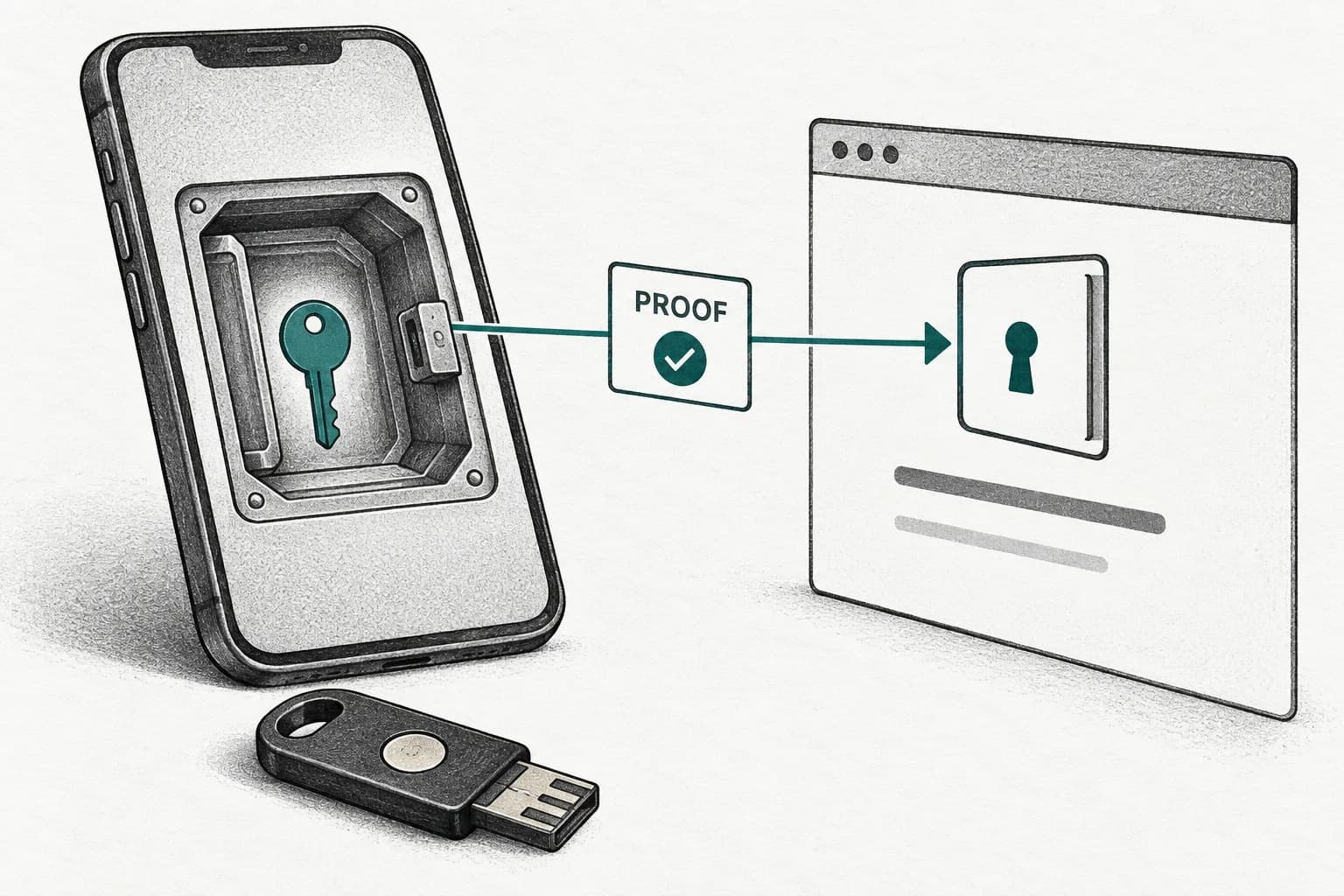
A passkey uses public-key cryptography. The service stores a public key, while the private credential remains protected by the user’s authenticator or credential provider. During sign-in, the authenticator proves possession for the correct service after local user verification such as a device PIN or biometric. There is no shared password for a phishing site to capture and replay. The service does not receive the local biometric.
Passkeys may be synced across a user’s trusted ecosystem or bound to a particular device or security key, depending on implementation and policy. Synced credentials can improve usability and recovery; device-bound credentials can support stricter enterprise assurance. The choice should reflect role, data, device ownership, provider capabilities, and threat model. Avoid treating every product labeled passwordless as technically or operationally identical.
Build an account and dependency inventory
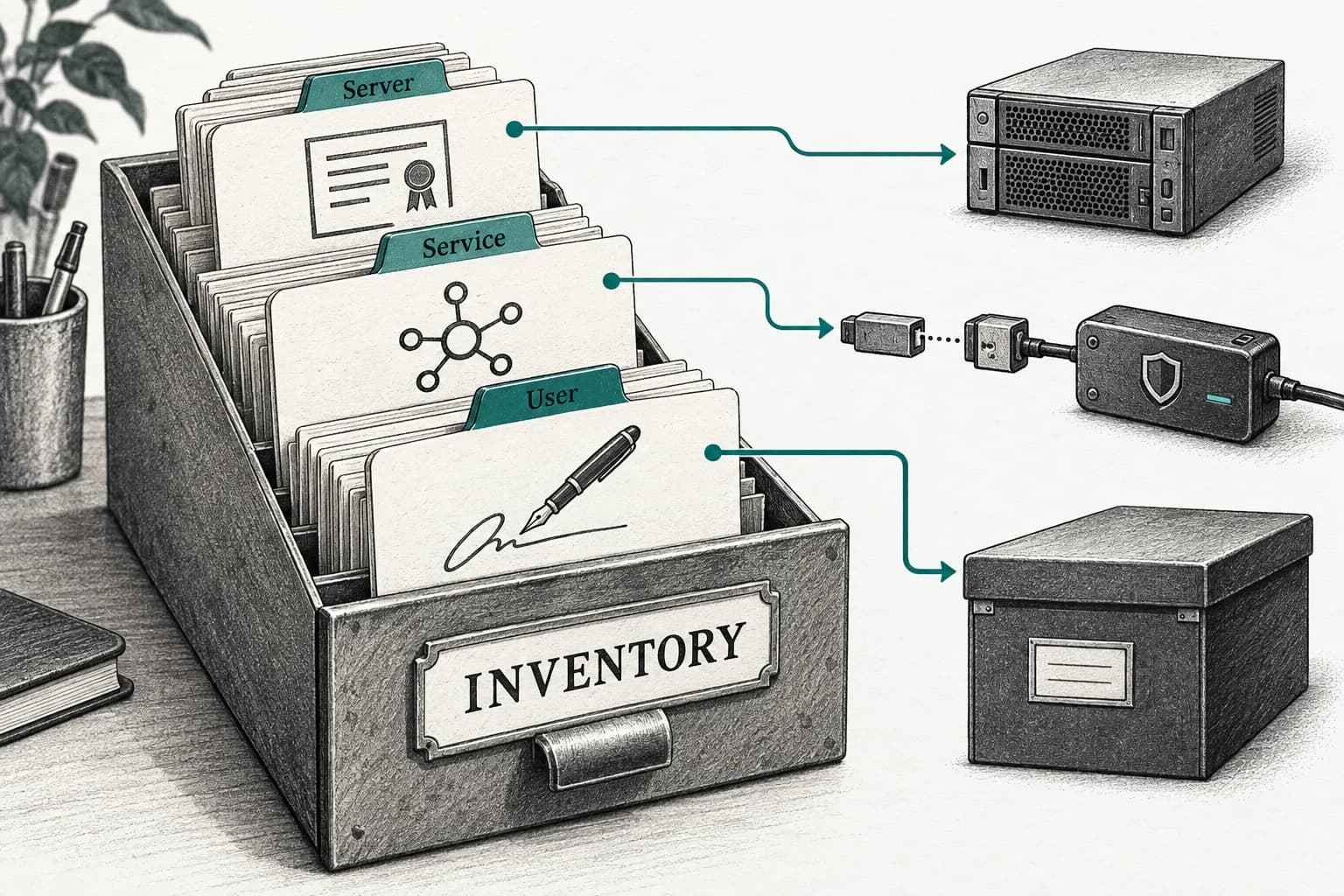
Prioritize identity provider, email, finance, banking, source control, cloud, remote administration, domain registrar, payroll, customer data, and backup systems. Record users, administrators, authentication methods, recovery, federation, device requirements, external collaborators, service accounts, emergency access, and passkey support. Identify where one account can reset many others. Start with systems whose compromise would create the largest impact.
Review the whole sign-in path. A service may support passkeys for normal login but fall back to a phishable email link, SMS, or password during recovery. A legacy mobile app may not support the same flow as the browser. Shared accounts, unattended devices, kiosks, and automation need separate designs. Do not force passkeys until a tested path exists for every legitimate role.
Choose enrollment and assurance rules
Require users to enroll only after trusted authentication and, for privileged roles, additional identity verification. Decide whether personal devices and synced credentials are permitted, whether managed devices or hardware keys are required, and how many authenticators a user should register. Encourage a backup credential for critical accounts, stored separately. Record credential names and last use without collecting unnecessary device detail.
For administrators and high-risk finance users, consider hardware-backed or device-bound credentials and separate privileged accounts. Apply least privilege, just-in-time administration where available, and transaction-specific controls in the application. A strong passkey does not make an overpowered administrator safe. Protect enrollment and removal as sensitive account changes with alerts and independent review.
Design recovery before rollout
Recovery is the likely target after passwords disappear. Define how a person proves identity after losing a phone, laptop, or security key; who can approve recovery; which evidence is acceptable; and how risk is escalated. Avoid knowledge questions and public information. For employees, use HR and manager verification plus an independent channel appropriate to risk. For customer systems, provide accessible options without making support staff a universal bypass.
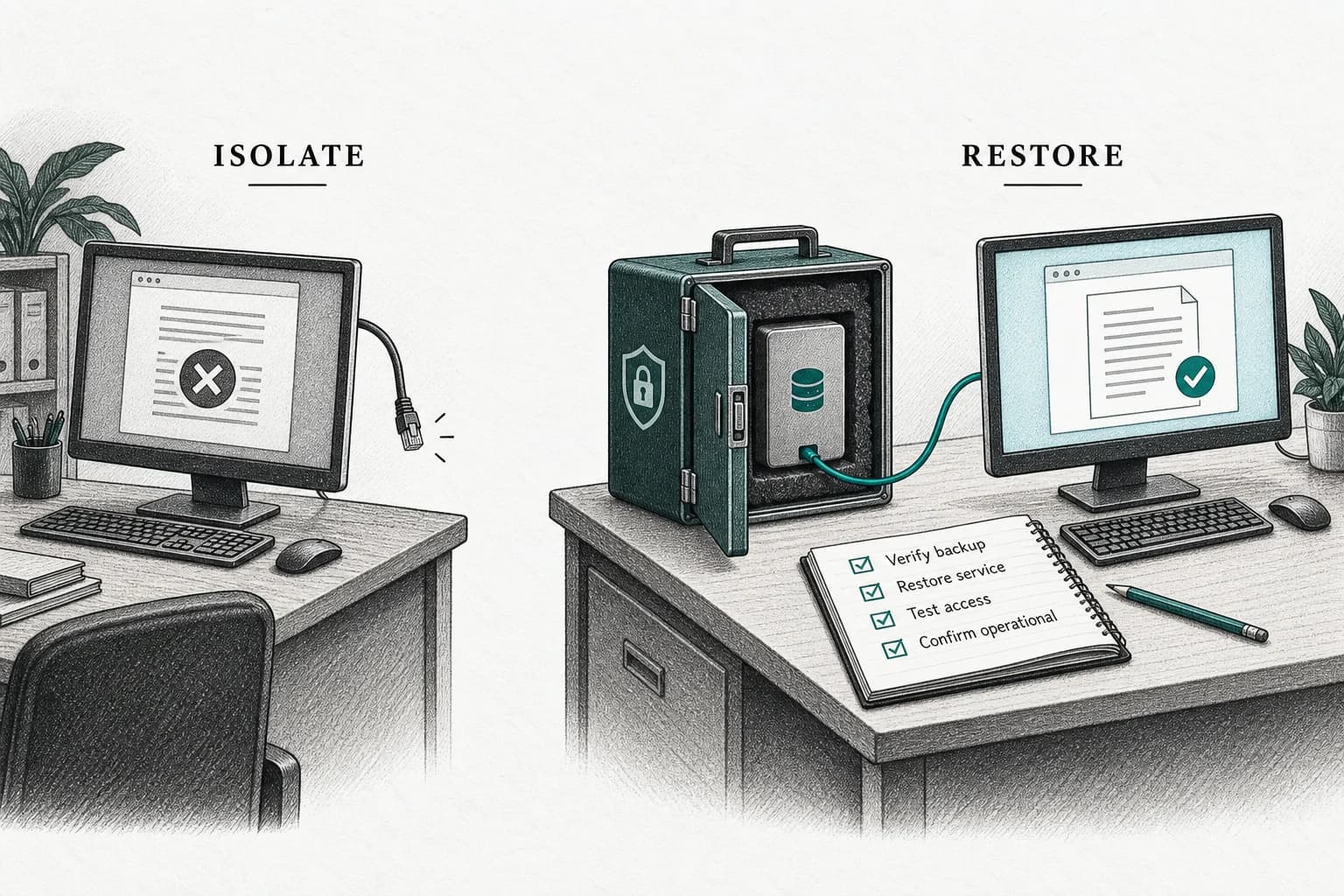
Create protected emergency access for critical business systems, with strong credentials stored securely, limited use, alerting, and periodic tests. Revoke lost credentials promptly and review active sessions. Address employee departure, device replacement, travel, number change, and provider-account recovery. A migration is incomplete if the security team can explain normal sign-in but not the first hour after a lost device.
Pilot across real users and devices
Test major operating systems, browsers, mobile and desktop applications, managed and personal-device policies, roaming authenticators, shared workstations, remote staff, and accessibility needs. Include interrupted enrollment, lost device, new device, offline or poor connectivity, cross-device sign-in, and recovery. Capture where users misunderstand which device is being unlocked or which service requests authentication.
Measure enrollment completion, successful sign-in, time, fallback use, recovery, support cases, lockout, suspicious attempts, and user confidence. The FIDO Alliance’s 2026 commissioned research reports wide consumer and enterprise adoption across ten surveyed countries, while also finding continued reliance on phishable methods. Treat those survey results as market context; use the SME’s own pilot evidence to set enforcement timing.
Communicate the human experience
Explain that passkeys use the familiar device-unlock gesture but authenticate the real website or application. Clarify that the website does not receive the user’s fingerprint or face. Show enrollment from a trusted bookmark or app, how to recognize the correct account, and how to report an unexpected prompt. Warn that attackers may still impersonate support or ask users to approve recovery, add a credential, or share a session.
Provide short guides for each supported platform and a trained help desk script. Avoid blaming users for lost devices. Make recovery accessible and verify identity consistently. Notify users before enforcement and show which fallback will retire. Senior leaders and administrators should follow the same process; exceptions for influential users create the accounts attackers value most.
Enforce gradually and maintain the control
Move from optional enrollment to required enrollment for priority groups, then require passkey sign-in after coverage and recovery meet targets. Remove passwords or weak fallback where the service permits and risk assessment supports it. Monitor credential additions, removals, recovery, new devices, impossible travel, sessions, and privilege changes. Retain application approvals and payment controls.
Review provider changes, device policy, inactive credentials, emergency access, and support outcomes at least annually and after incidents. Add passkey requirements to procurement and identity architecture. Maintain an exit if a credential provider or ecosystem changes. The goal is not a passwordless slogan; it is a phishing-resistant, recoverable identity process people can use safely every day.
Coordinate passkeys with single sign-on. Central identity can simplify enrollment and policy, but it also concentrates impact. Protect identity administrators, federation settings, domain verification, and break-glass accounts. Test what happens when the identity provider is unavailable and which applications retain active sessions. Application owners should still review roles and entitlements; centralized authentication does not guarantee correct authorization.
Address contractors and shared business relationships. Decide whether external users bring their own passkey, receive an account in the SME’s identity system, or authenticate through federation. Set sponsorship, expiry, and review. Avoid shared credentials for a vendor team. When a contract ends, revoke the account and sessions, not only the passkey, and confirm downstream application access is removed.
Monitor fallback as a security metric. If users routinely choose password, SMS, or email because passkey sign-in is confusing, the migration has not achieved its objective. Investigate device coverage, browser behavior, help content, accessibility, and provider configuration. Reduce weak fallback only after legitimate users have reliable alternatives, while applying extra verification whenever recovery or fallback is used.
Prepare for authenticator compromise as well as loss. If a synced credential provider account is taken over or a managed device is infected, revoke affected credentials and sessions, secure the provider account, examine enrollment events, and assess applications reached. Device management, endpoint protection, and account recovery remain part of passkey security. Cryptographic phishing resistance does not make an already compromised endpoint trustworthy.
Document application behavior when a user has several passkeys. Naming, last-used information, and self-service removal should help users manage credentials without revealing excessive device data. Alert on enrollment and removal and provide a quick report route. Prevent an attacker with an active session from silently adding a new passkey without reauthentication and appropriate risk checks.
Review regulated and contractual assurance. Some customers or sectors may require specific authenticator, device, audit, or identity-proofing properties. A consumer synced passkey may be excellent for one workflow and insufficient for another. Map requirements to implementation evidence and avoid claiming a universal assurance level. Obtain qualified security and legal advice for high-impact identity systems.
Keep service accounts and machines out of the human passkey plan. Workloads need managed machine identities, short-lived credentials, key rotation, and secrets governance rather than a passkey held by an employee. Inventory automation that still relies on passwords and migrate it through the appropriate non-human identity architecture. This prevents a passwordless dashboard from hiding reusable credentials in scripts.
Publish a decommission date for passwords only after evidence supports it. Track remaining accounts and exception owners to closure. Where a provider cannot remove a password, generate a strong unique value, store it securely, prevent routine use, and alert on any fallback sign-in while seeking a stronger service design.
| Gate | Evidence | Do not advance when |
|---|---|---|
| Coverage | Priority services, devices, browsers, and roles mapped | A critical legitimate path has no supported authenticator |
| Enrollment | Trusted bootstrap, backup, alerts, admin controls | Credential addition is an easy account-takeover route |
| Recovery | Identity proof, approval, revocation, emergency test | Support can bypass security through weak questions |
| Pilot | Success, fallback, support, accessibility, incident metrics | Failure or exclusion remains material |
| Enforcement | Weak fallback removed and monitoring active | Passwords remain the normal recovery route |
Frequently asked questions
Are passkeys the same as biometrics?
No. A passkey is a cryptographic credential. A biometric may unlock it locally, like a device PIN can. The service receives proof of authentication, not the user’s fingerprint or face data.
Can employees use passkeys on personal phones?
That is a policy decision based on role, data, device management, synced-credential ecosystem, recovery, privacy, and provider support. High-privilege roles may require managed or hardware-bound authenticators.
Do passkeys eliminate phishing completely?
They resist credential phishing for the protected sign-in, but attackers can still target recovery, active sessions, malware, authorization, help desks, or users with deceptive requests. Maintain layered identity and transaction controls.
Sources
- Accelerating global passkey adoption on World Passkey Day 2026 — FIDO Alliance
- Digital Identity Guidelines — National Institute of Standards and Technology
- Cyber Guidance for Small Businesses — Cybersecurity and Infrastructure Security Agency